

[ad_1]
Last updated:
There are 5 such hidden features of iPhone which can prove to be very useful. Know which are the features that make everyday use easier. Use the space bar trick, bank tap shortcuts, flashlight brightness, notification badges and keyboard settings smartly.
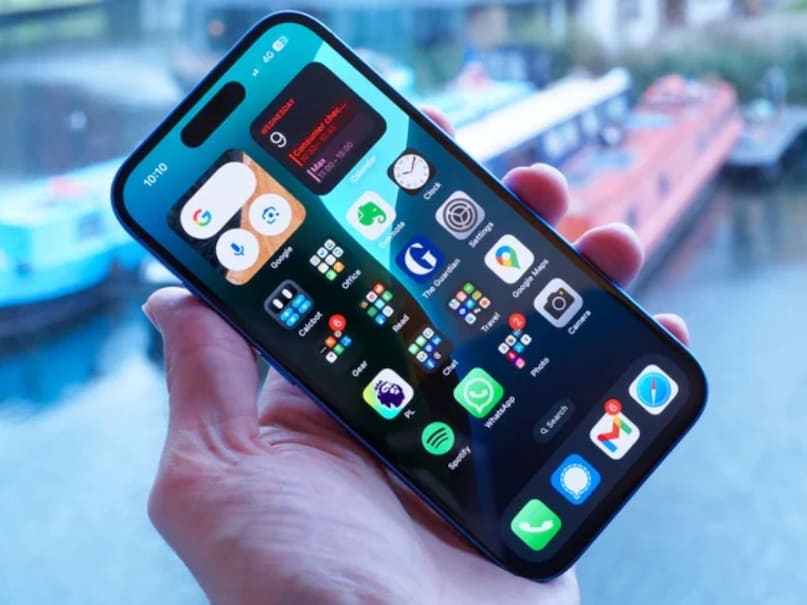
Apple hides many small features in its iPhone and iOS updates that make everyday use easier, but most users do not know about them. From smart shortcuts to better text editing, these hidden features improve your iPhone experience without any third-party apps. Let us know 5 easy and useful tricks, which you can apply on your iPhone right now.
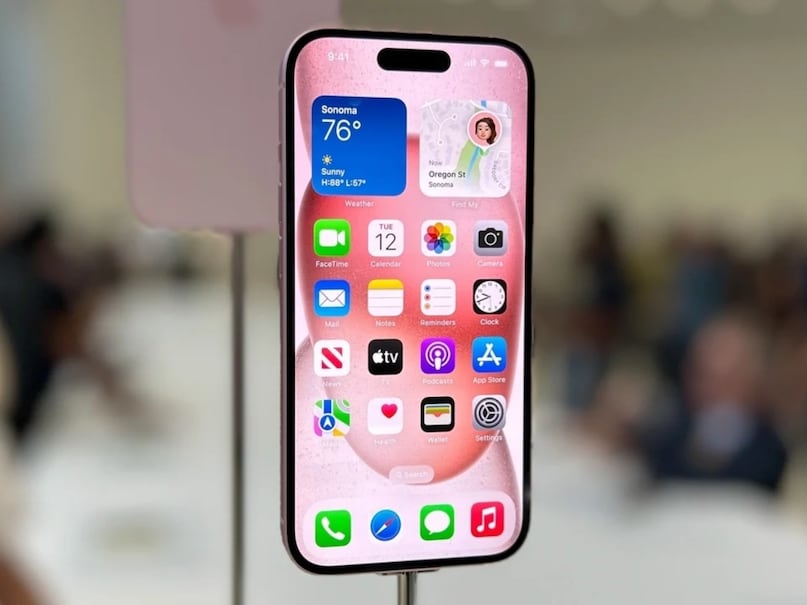
Make editing text easier with the Space Bar Trick – It is often difficult to position the text cursor correctly. The iPhone has a hidden gesture that turns the keyboard into a precision tool. Simply press and hold the space bar and the keyboard will turn into a trackpad. Now move the cursor easily by sliding your finger.
Turn off the keyboard click sound (without muting the phone) – If the constant typing sound is annoying, go to Settings > Sounds & Haptics > Keyboard Feedback and turn off the sound, but keep Haptic on. Now you will feel the slight vibration of typing without any sound.
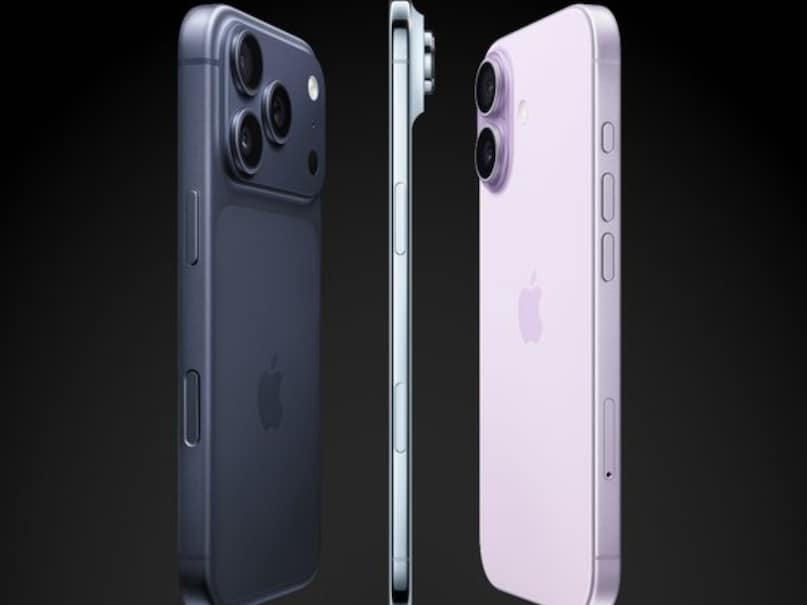
Turn the Apple logo into a custom shortcut – The iPhone’s Apple logo isn’t just a showcase. Go to Settings > Accessibility > Touch > Back Tap, select Double Tap or Triple Tap and use it for shortcuts like taking a screenshot, opening the camera, or opening Control Center.

Adjust flashlight brightness – The flashlight isn’t just on/off. Open Control Center and long press the flashlight icon. Use the slider to adjust the brightness, such as dim light for night reading or full beam for deep illumination.
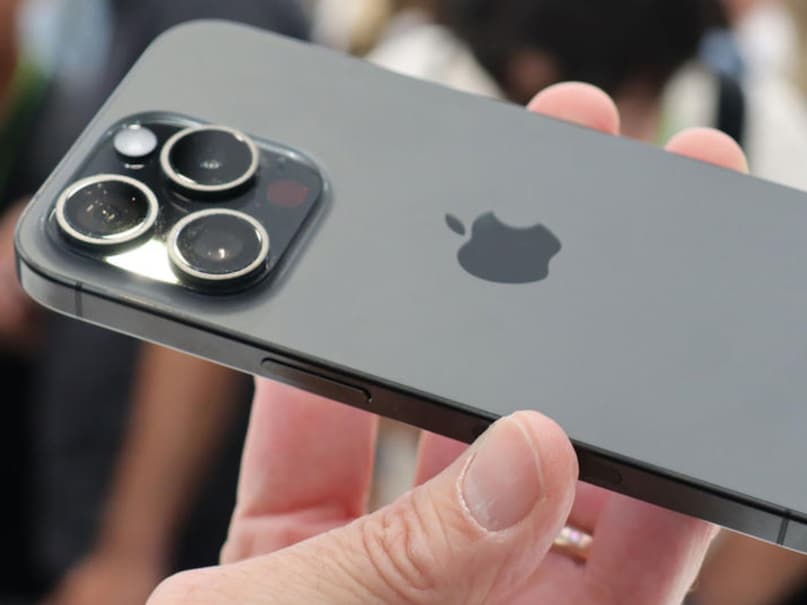
Remove red notification badges – Red badges that appear on app icons can clutter the screen. Go to Settings > Notifications, select the app, and turn off Badges. This will keep your home screen clean and quiet.
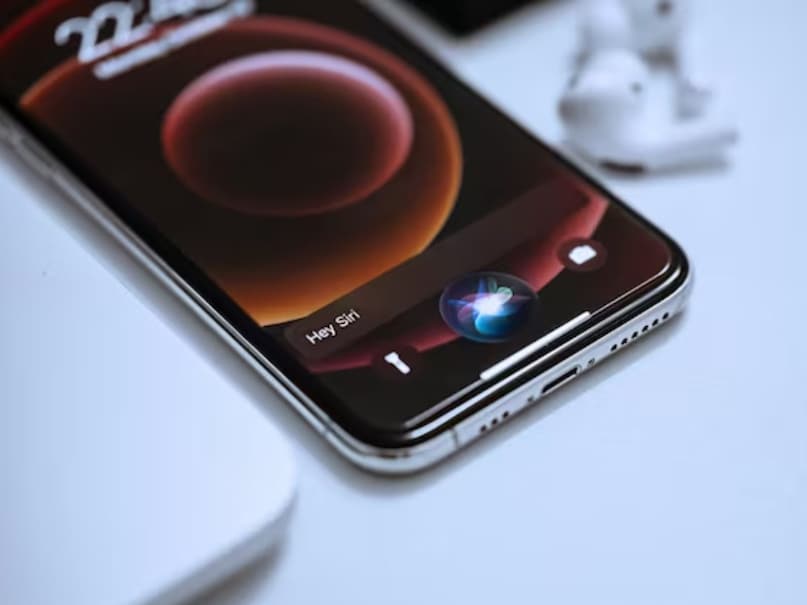
These simple tricks show how Apple thoughtfully improves the experience of iPhone users. Just do a little digging in Settings and your iPhone will become even smoother, quieter and smarter.
[ad_2]

